
How to Switch From a Manual Cashier to a Modern POS System
Still using an old cash register or manual records? A step-by-step guide to moving to a modern POS system without losing data or closing your shop.
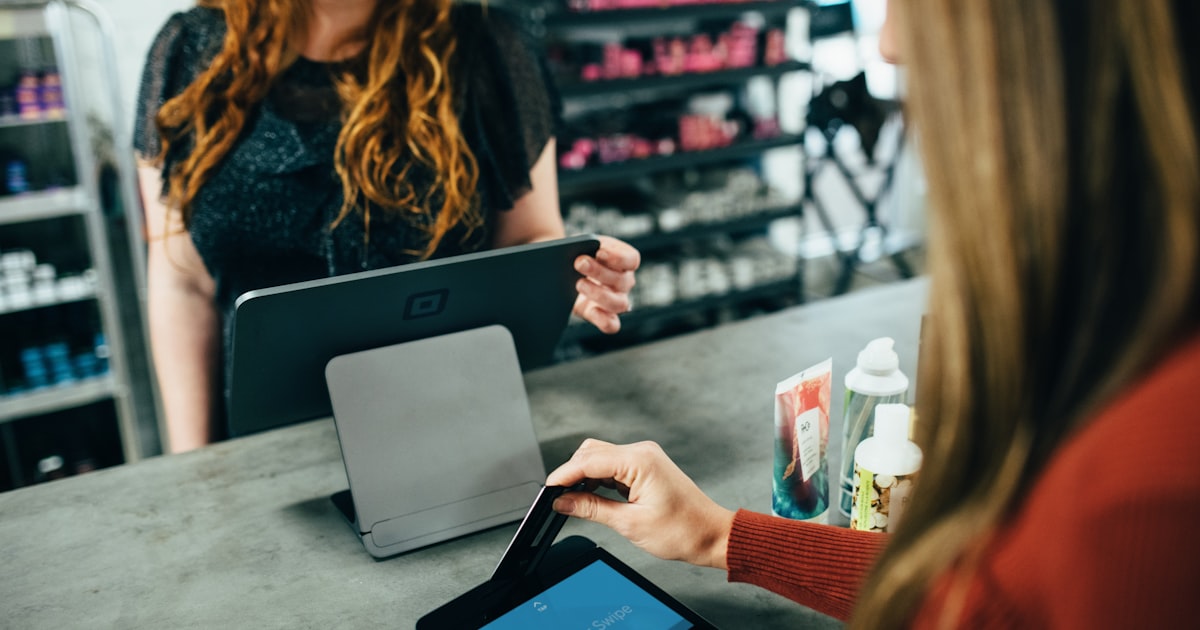
An old cash register only prints receipts; it doesn’t know remaining stock, doesn’t produce reports, and doesn’t prevent cash discrepancies. As your shop grows, moving to a modern POS system is a big leap. But many owners hesitate, fearing hassle. Here’s a guide to make the transition smooth.
Signs your shop needs a modern POS
- Stock often doesn’t match — you don’t know an item is out until a customer asks.
- Manual reports are exhausting and frequently wrong.
- Cash discrepancies are hard to trace to who and when.
- Hard to manage promos & wholesale pricing with an ordinary register.
- You plan to open a branch, but the current system can’t keep up.
A safe switching process
1. Inventory your products. Build a complete product list: name, barcode, purchase & sale price, units, and opening stock. This is the new system’s foundation — invest time to make it accurate.
2. Prepare data in table format. Lay it out in Excel/CSV so it can be bulk-imported into the POS, not entered one by one.
3. Choose a POS that fits your scale. For wholesale/retail shops, pick one that supports real-time stock, multi-unit, multi-branch, and accounting — so you won’t need to switch again as you grow.
4. Install & test hardware. Receipt printer, cash drawer, and barcode scanner must be tested before the big day. Make sure the POS supports offline mode so it keeps running if the internet drops.
5. Train cashiers & staff. Run transaction drills before opening. Confident cashiers = smooth queues on day one.
6. Run in parallel briefly. For a few days, reconcile POS totals with physical cash at day’s end. Once confident, switch fully.
Addressing common worries
- “Will the data get lost?” → Choose a system that keeps data on your own server with regular backups.
- “My staff aren’t tech-savvy?” → A modern POS is actually easier than the old register after a short training.
- “Do I have to close the shop?” → No. Setup can be done outside peak hours; parallel migration keeps operations running.
How Elang ERP POS helps
Elang ERP POS supports bulk product import, a fast fullscreen POS with reliable mode, real-time stock, and automatic accounting — runs on your own server, fully managed by us. The moment you switch, you gain stock control and bookkeeping impossible with an old register.
Closing
Moving to a modern POS isn’t just swapping tools, it’s changing how you control your shop: accurate stock, automatic reports, and fewer cash discrepancies. With a gradual approach, the transition is safe and the shop stays open.
Ready to leave the manual cashier behind? Contact the Elang team, read the best POS app for shops, or see Elang ERP POS.