FAQ
Frequently asked questions
Why is Elang DB Manager free?
We built this app for the Laksana Elang team’s own technical support work, then shared it at no cost. We hope you will think of Laksana Elang when your business needs POS, HR, ERP, or CCTV systems. The server edition and company installation are available as a separate service.
Is my database data sent to Laksana Elang servers?
No. The app runs on your computer and connects directly to the database server on your network. Your connection list, app users, and query history are also stored on that computer.
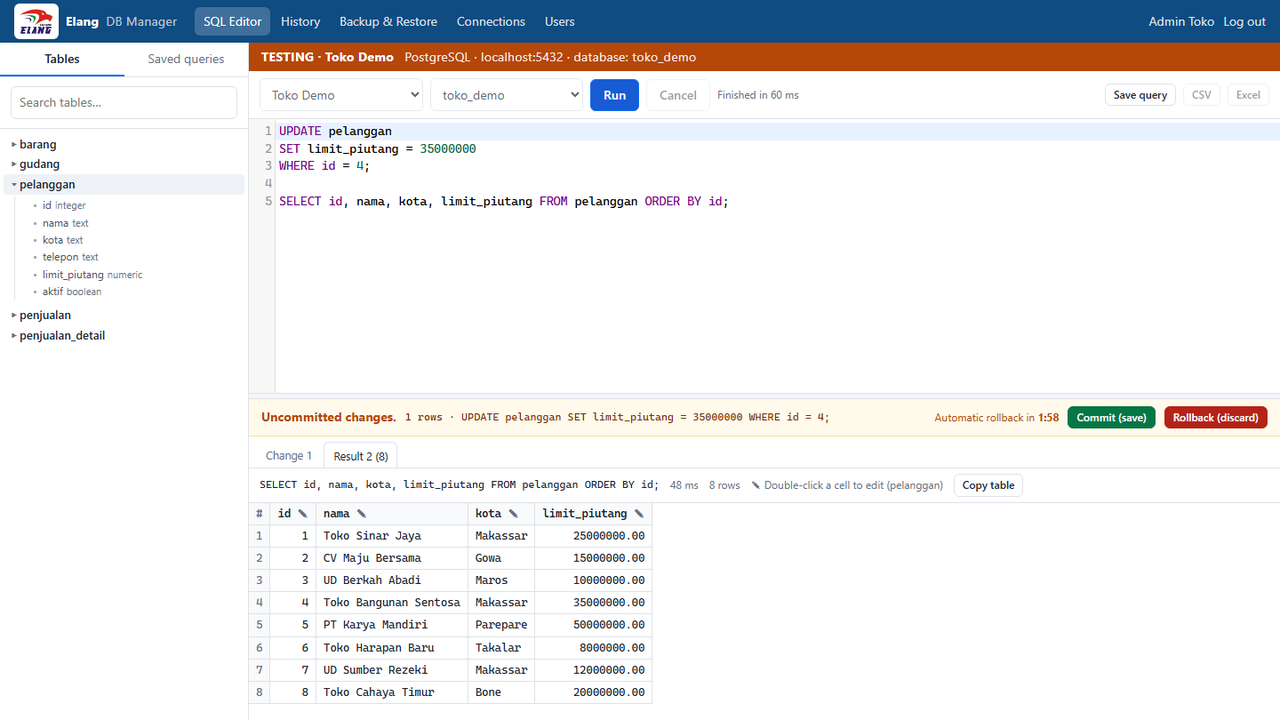
What if I forget to press Commit?
Uncommitted changes are rolled back automatically after 2 minutes, and also when the app is closed. If an error occurs in the middle of a transaction, all uncommitted changes are rolled back as well.
Which PostgreSQL versions are supported?
The installer ships PostgreSQL 18 pg_dump and pg_restore, which can back up PostgreSQL servers version 18 and earlier. If needed, other versions can be copied into the tools folder; the app picks the version that best matches the server.
Should I choose the 64-bit or 32-bit setup?
Almost every PC and laptop today runs 64-bit Windows, so choose the 64-bit setup. The 32-bit setup is for older PCs running 32-bit Windows 10; it also installs on 64-bit Windows. Check your Windows version in Settings, then System, then About, on the "System type" line. Installing one version over the other counts as an update, not a second app.
Why does Windows show a warning when I run the setup?
Windows SmartScreen may show a warning for apps without a digital signature (code signing). Choose "More info", then "Run anyway". Always download the app from the official Laksana Elang website.
How do I move the app data to another computer?
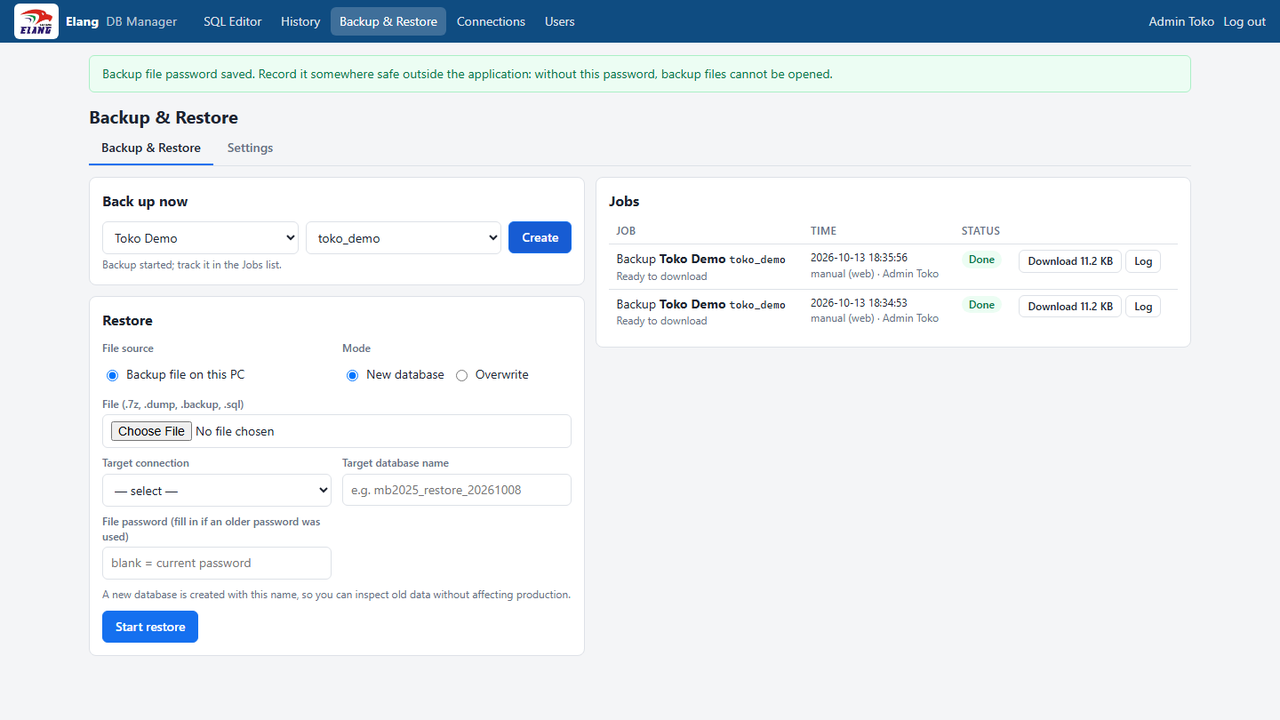
Copy the %LOCALAPPDATA%\ElangDBManager folder to the new computer, including the keys.json file inside it. Without keys.json, stored connection and backup passwords cannot be opened.